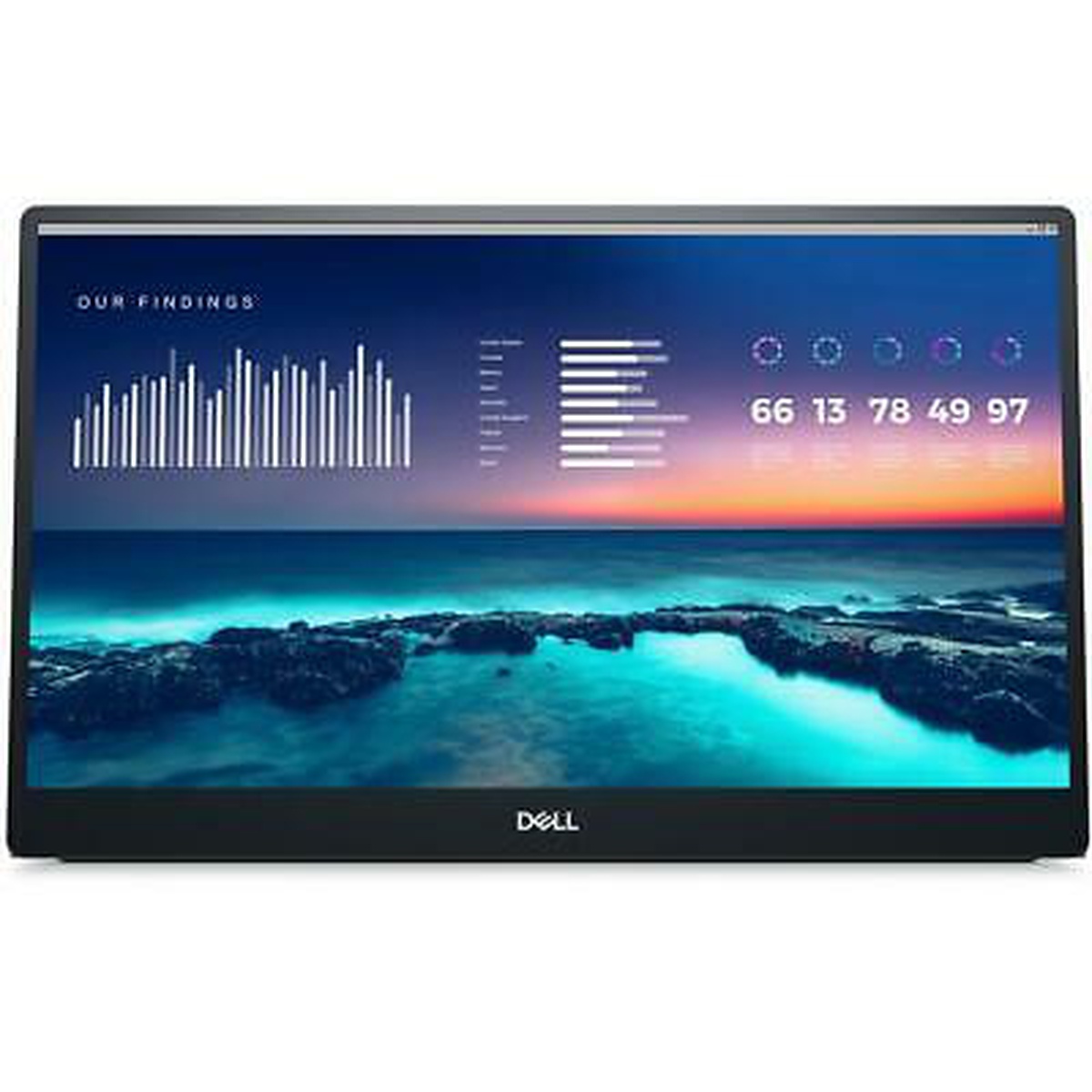
DELL C1422Hf IPS LCD 14" 1920 x 1080 USB-C Monitor
Monitors


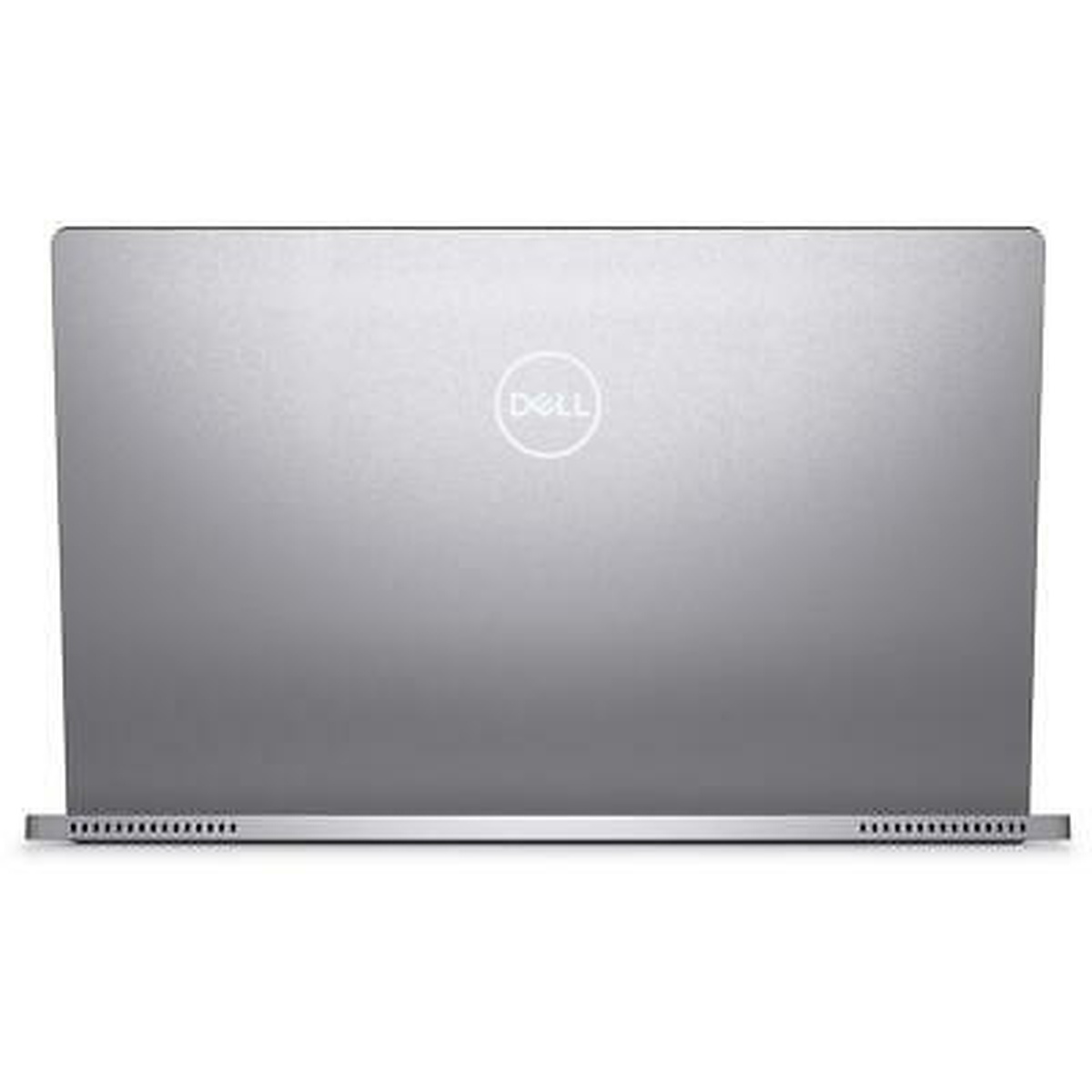
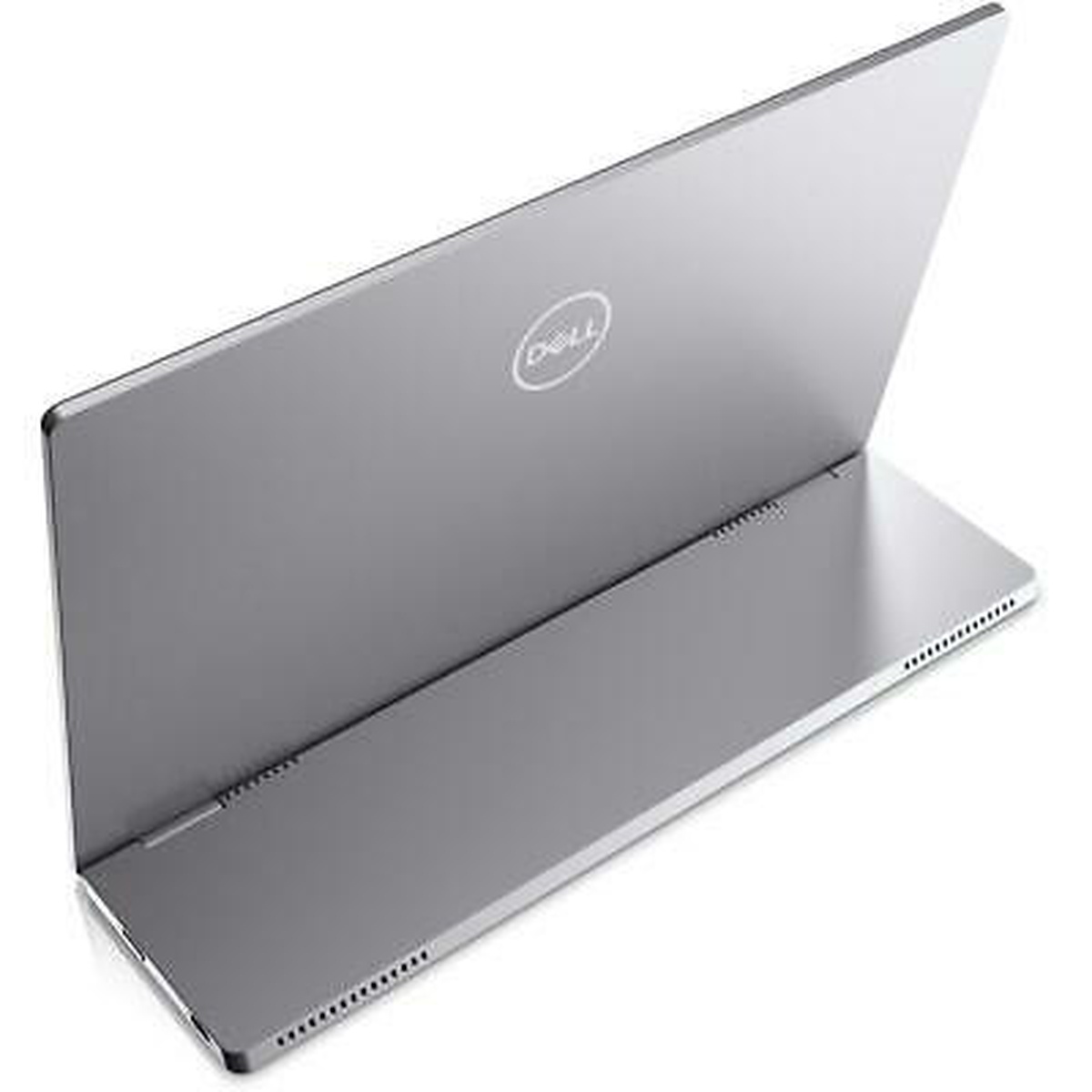
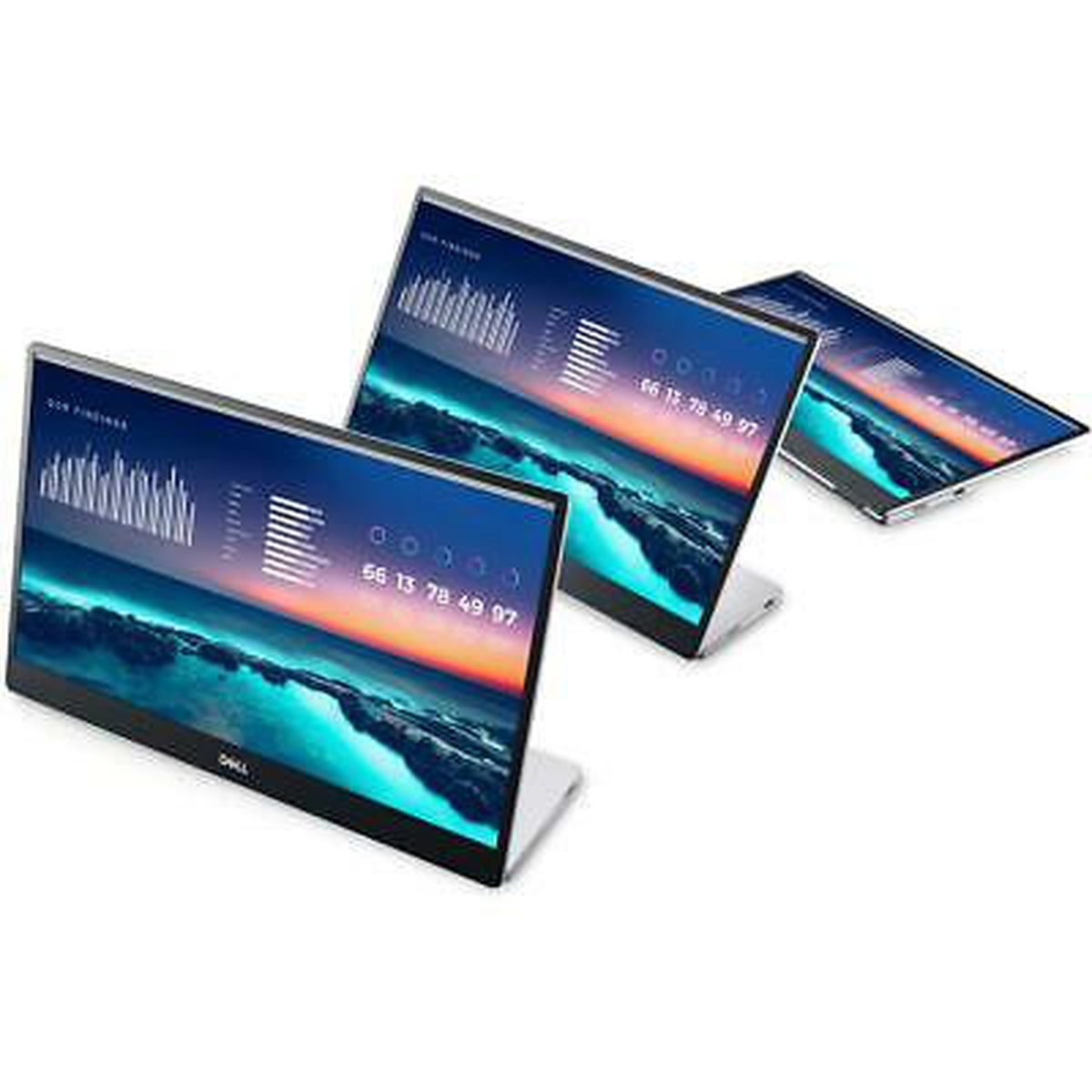


-
Price:
See offers
See offers →
-
Annual cost of ownership:
-
![]() Report incorrect product information
Report incorrect product information
Where to buy DELL C1422Hf IPS LCD 14" 1920 x 1080 USB-C Monitor

See offers
See offers
See offers
See offers
See offers
See offers
See offers
See offers
See offers
Price dynamics for DELL C1422Hf IPS LCD 14" 1920 x 1080 USB-C Monitor
The graph shows the change in price of the monitor in Canada by month. The graph shows the minimum, maximum, and average price for DELL} C1422Hf over the last three years for Canada.
Total cost of ownership (TCO)
Cost of ownership
Description
Expand your productivity on the go
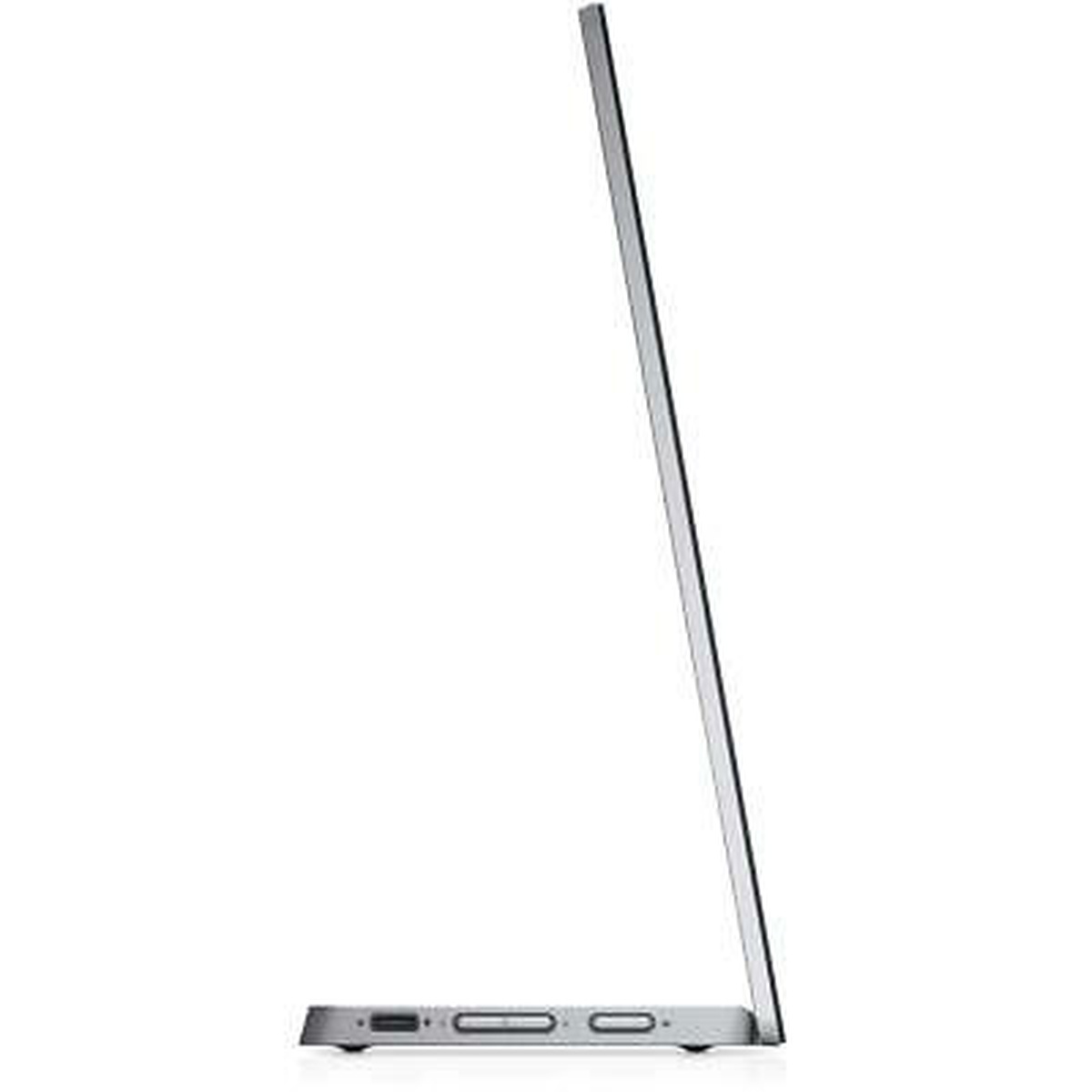
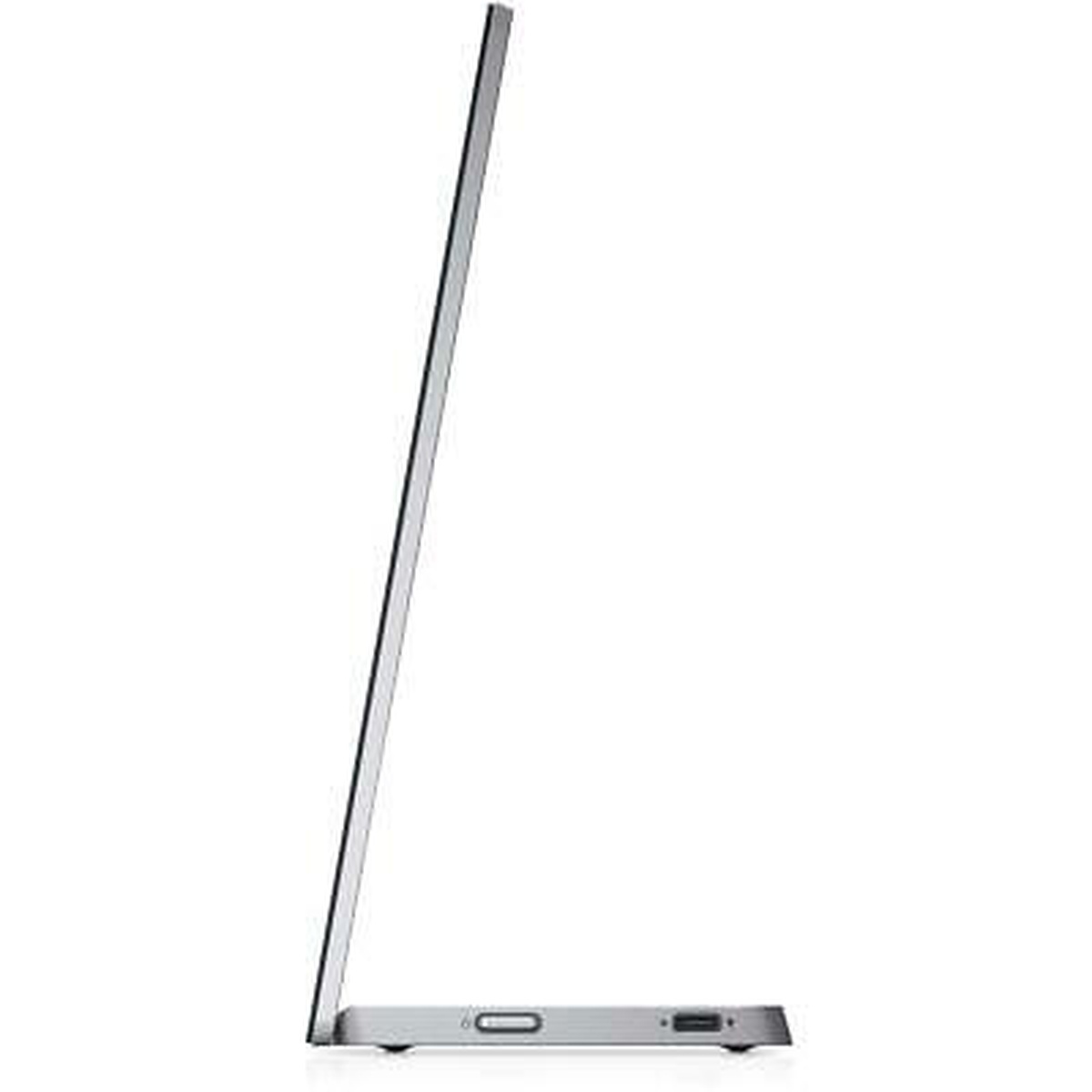
The ultimate laptop companion: Experience dual-screen productivity anywhere with this ultralight, ultrathin 14" FHD portable monitor, weighing less than a pound and a half and less than a quarter-inch thick at its slimmest.
Dual-screen productivity, anywhere: Extend your screen at the office, at home or on the go with this convenient, compact display.
Seamless views: Expand your screen with this FHD panel featuring In-Plane Switching (IPS) technology providing wide viewing angles, perfect for collaboration.
Captivating front-of-screen: Light up your display with easy-access controls that give you fantastic pictures and video indoors or outdoors. Adjust your screen with up to a peak brightness of 300 nits.
Take convenience with you
Efficient plug and play: Easily set up your monitor with a single USB-C cable transmitting both video and power for efficient plug and play and quick transitions.
Flexible cable: Enjoy a clean setup and greater mobility with a USB-C cable designed to move smoothly and efficiently. This soft, pliable wire is easy to carry and fits in any bag.
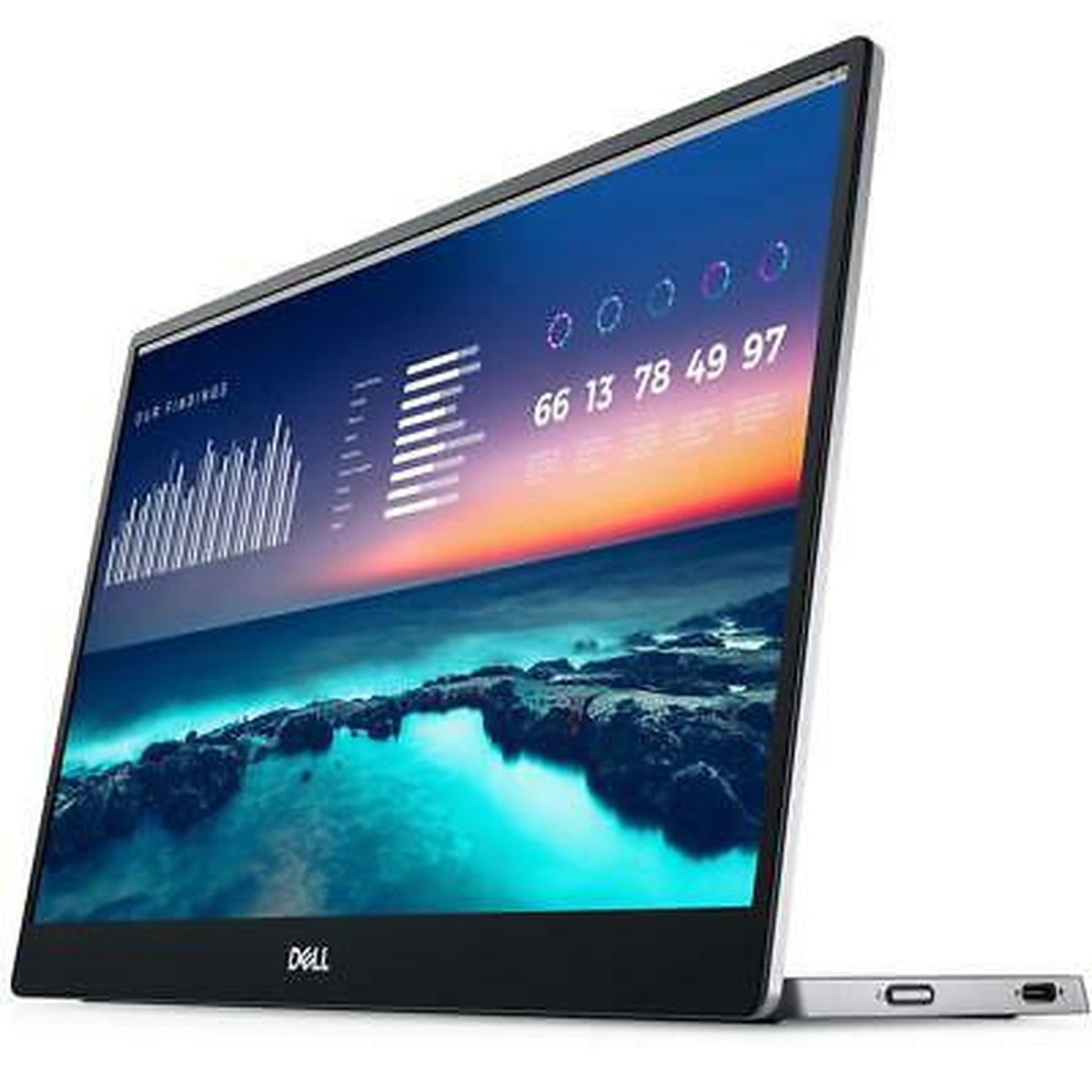
Versatile design: Conveniently set up your monitor to the left, right or behind your laptop; the dual USB-C ports on each side allow for versatility and better portability.
Power pass through: Work without disruption with power pass through functionality.i
Easy and modular: Enjoy the convenience of USB-C connectivity and its efficiency in connecting to Dell USB-C systems and devices.
Collaborate with comfort and peace of mind
Ready for collaboration, anywhere: Seamlessly work together with a 14" portable monitor designed for easy sharing and presenting.
Flex to your comfort: Get comfortable anywhere you go, with a continuous tilt stand that bends from 10 to 90 degrees-enough flexibility to keep up with your work.
Easy on the eyes: Optimize eye comfort with ComfortViewi, a feature that reduces harmful blue light emissions at the press of a button.
Convenient display: Enjoy simple on-screen display with quick access buttons for brightness and ComfortView.
Full reliability and protection: Have peace of mind wherever you go-this monitor comes with a protective sleeve as well as a 3 Year Advanced Exchange Service.
Green thinking: for today and tomorrow
Environmental standards: Designed with the environment in mind, this monitor meets the latest regulatory and environmental standards such as EPEATi Gold, RoHS Compliant and ENERGY STAR
Energy efficient - designed to use less energy than alternative products, potentially helping you save money and reduce your carbon footprint.Specifications
-
Brand
DELL
-
Panel Type

IPS LCD
-
Product Type
Monitor
-
Model
C1422Hf
-
Power Source
USB
-
Model Features
USB-C
-
Screen Size (inches)
14
-
On Mode Power (watts)
4.1
-
Maximum Total Energy Consumption Limit for Monitor Certification (kWh/yr)
22.86
-
Monitor Total Energy Consumption at 115 Volts (kWh/yr)
13.45
-
Off Mode Power (watts)
0.22
-
Tiled Display System
No
-
Color Spaces Supported
None
-
High Dynamic Range HDR)
N/A
-
Sleep Mode Power (watts)
0.3
-
Total Native Resolution (megapixels)
2.1
-
Available On Market
2021-08-31
-
Maximum Power Delivery (W)
65
-
Native Resolution (pixels)
1920 x 1080
-
Display Contrast Ratio at 0 deg. Horiz. Viewing Angle
700
-
Signal or Data Interfaces
USB
-
USB-C with Power Delivery Supported
Yes
-
Maximum Luminance (candelas per square meter)
300
-
Features Enabled in Default On Mode
None
-
Enhanced-Performance Display?
No
-
Features Enabled in Default Sleep Mode
None
Reviews
Best Deals

Popular